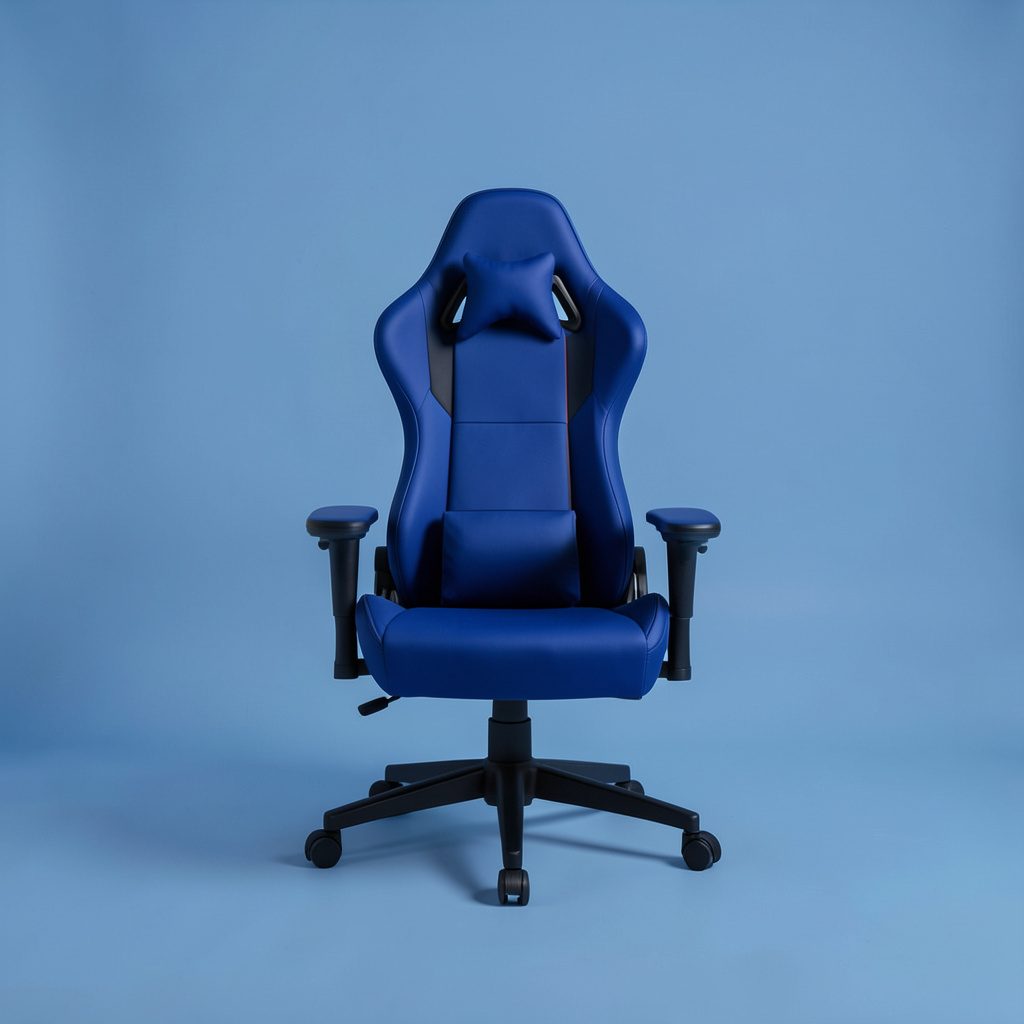
Budget Gaming Chairs
Entry-level seats that still deliver basic lumbar support and a usable recline for the money.
See the listPurpose-centric picks for gamers, builders and everyday computing.
We review gaming chairs for comfort, ergonomics and build quality, then sort the winners by price so you can find a seat that fits your budget and your body.
Read our broader technology buying guides for advice on picking the right hardware for your setup.
Entry-level seats that still deliver basic lumbar support and a usable recline for the money.
See the list
More supportive padding and headrests than the cheapest tier, still friendly on a tight budget.
See the list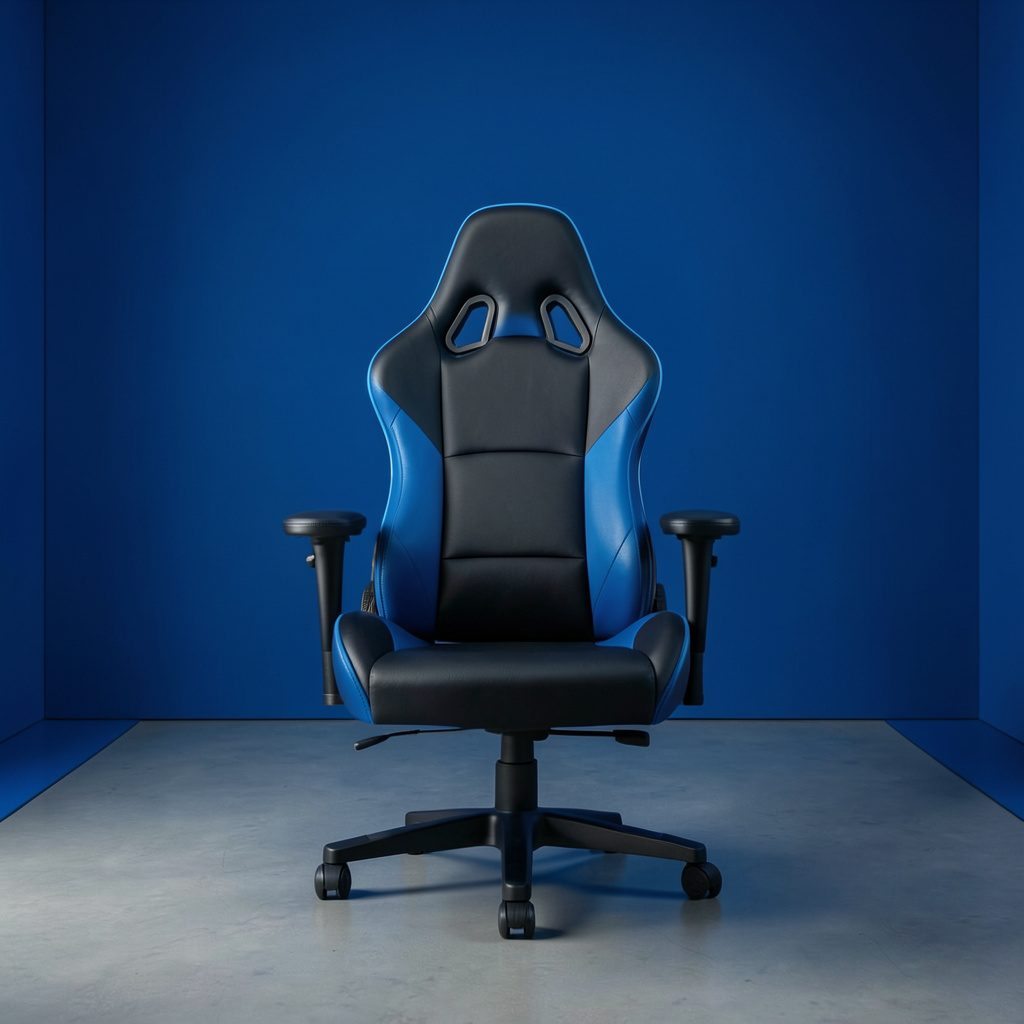
Balanced picks with adjustable armrests, better materials and longer-lasting comfort for daily play.
See the list
Higher-end frames, refined adjustment ranges and upholstery meant for long sessions at the desk.
See the listNot every chair fits every sitter, so we keep focused lists for specific needs as well as general rankings.
| Criterion | What we check |
|---|---|
| Comfort | Cushion density, seam comfort and how the seat holds up over long sessions. |
| Ergonomics | Seat height, recline range, lumbar position, armrest adjustability and foot clearance. |
| Build | Frame material, base stability, casters and the feel of the upholstery. |
| Value | What you get at each price point compared with the alternatives in the same tier. |
A chair is only one part of a long gaming session. Pair your pick with a monitor that suits your desk space — our monitor reviews cover panel types, refresh rates and budget tiers — and check whether your graphics card keeps up in GPU guides or your machine handles games on the go in gaming laptop reviews.
Questions about a specific chair or a setup you are building? Get in touch with the team.
A good gaming chair is one of the quiet upgrades that can change how long you can sit at a desk working, studying, or playing. We look at lumbar support, seat cushion density, armrest adjustability, and the stability of the base, because a chair that shifts or creaks under pressure quickly becomes a distraction. Recline range matters too, since leaning back to reposition is a small comfort win repeated many times a day. We also weigh how the materials hold up over months of daily use.
Budget is the first question most readers ask, so our recommendations are sorted into practical price brackets rather than a single ranked list. Entry-level seats under the lowest tier can still offer basic lumbar support and a usable recline, while mid-range models usually add adjustable height, better padding, and sturdier frames. Spending more does not automatically guarantee a better fit, so each tier reflects what we consider genuinely worthwhile at that price rather than the most expensive option available.
Ergonomics deserve attention beyond the marketing language. A seat that is too deep leaves your feet unsupported, and one with fixed armrests can push your shoulders forward during long typing sessions. Adjustable features that let you set the seat height, tilt tension, and armrest height to match your desk and body make a larger difference than any fabric upgrade. If you share a workspace or swap between desks, keeping that adjustability in mind will pay off over time.
Our broader monitor buying guides cover the screens that pair with these chairs, including displays for gaming, video editing, programming, and general office work. A chair and a display should be chosen together, since a good viewing position makes it easier to sit squarely and reduces the need to lean or twist. When you are ready to compare options, browse the seat lists by budget and check the current details before deciding which one fits your setup and your routine.