
Budget Cards Under $100
Cards in this tier cover everyday desktop use, video playback and light gaming. They are the sensible pick when the graphics card is not the main reason for the build.
See under $100 cardsIndependent look at monitors, gaming PCs, graphics cards and laptops.
Choosing a video card comes down to budget and workload. Our GPU guides sort options by price and by the task you actually need to run - esports, 1080p 144Hz play, AutoCAD work or 3D rendering.
Looking for a display to pair with a new card? Start with our monitor buying guides.
Under $100 and under $150
Entry-level cards are the easiest place to overspend. These lists group cards by price ceiling so you can see what each tier delivers before you commit, whether the build is a general-purpose desktop or a dedicated esports machine.
Cards in this tier cover everyday desktop use, video playback and light gaming. They are the sensible pick when the graphics card is not the main reason for the build.
See under $100 cards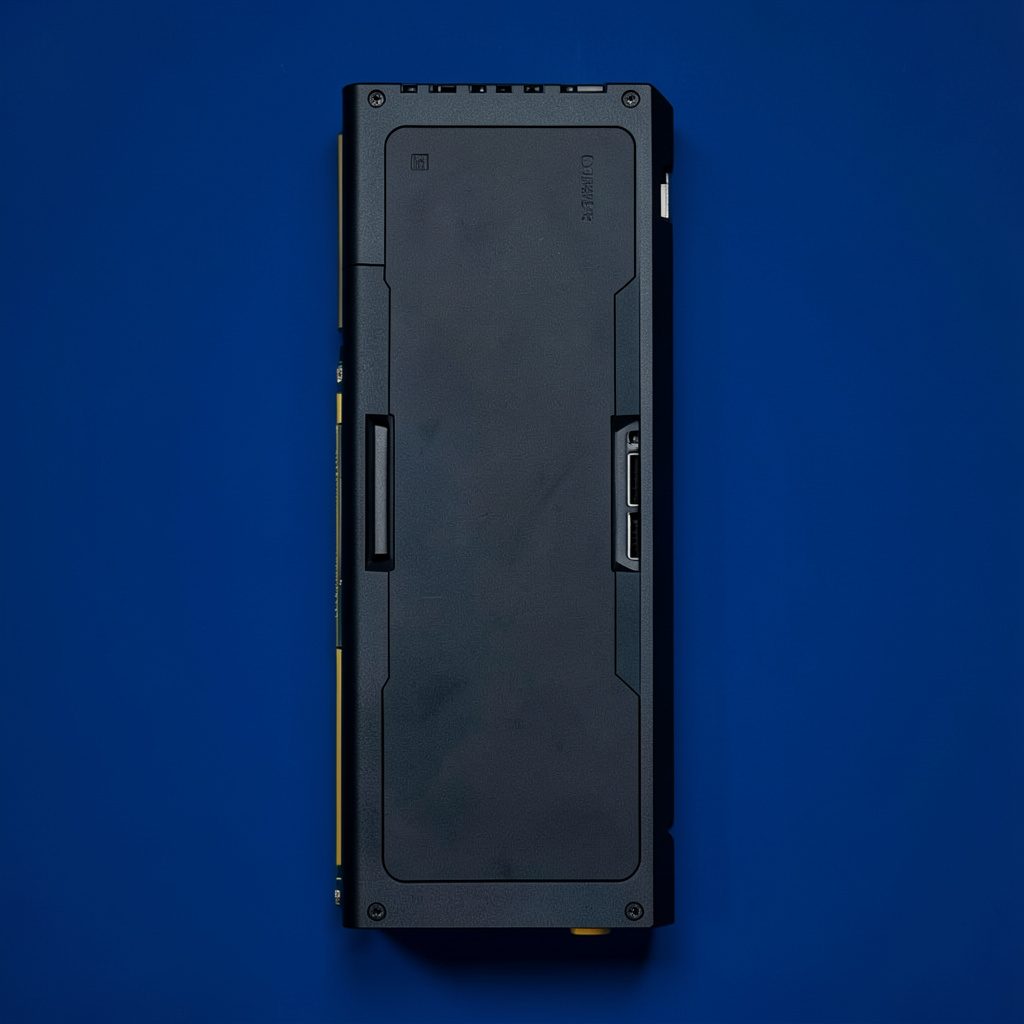
A slightly larger budget unlocks faster frame rates and more headroom for modern titles, plus the option of matching a card to a high refresh rate monitor.
See under $150 cards
Before buying a card, it helps to weigh what each platform actually asks of your hardware budget, and how the GPU choice changes between the two.
Read the comparisonAutoCAD and 3D rendering
Creative and engineering workloads judge a card differently from games. Certification, memory capacity and driver support tend to matter far more than raw frame rate, so the picks here are organised by application rather than by price alone.
Brands we cover in this space include PNY, Gigabyte, MSI and ASUS, among others.
Browse professional cards
Refresh-rate matching
A 144Hz monitor is wasted on a card that cannot feed it. This section covers the cards worth pairing with a 1080p 144Hz panel, and how to think about the balance between card output and display.
| Workload | What to prioritise | Where our guides focus |
|---|---|---|
| Budget build | Lowest viable cost that still runs the games you play | Cards under $100 and under $150 |
| 1080p 144Hz gaming | Sustained frame rates above 144 FPS at 1080p | High-performance card picks for 1080p 144Hz |
| AutoCAD | Certified drivers and reliable 2D viewport performance | Best graphics card for AutoCAD |
| 3D rendering | Texture memory and render throughput on heavy scenes | Professional cards for 3D rendering |
Related guides
A fast card needs a fast panel. Our monitor lists cover budget 144Hz options and the panels that pair well with gaming GPUs.
See monitor guidesIf you would rather not assemble a system, our gaming PC reviews cover prebuilt desktops from brands including iBUYPOWER, CyberPowerPC and Skytech.
See gaming PC reviewsLaptop graphics chips sit in a different performance class to desktop cards. Our laptop guides cover options by price, including under $500 and $600 tiers.
See laptop guidesHigh Dynamic Range changes how highlights and shadows are shown on a display. Learn how HDR compares with SDR and where to find HDR content.
Read the HDR guideWork out your budget and your target resolution first, then narrow the list. Our GPU guides group picks by price tier so the shortlist is realistic from the start.